Squarespace Form Progressive Bar
Squarespace Form Progressive Bar
Squarespace Form Progress Bar
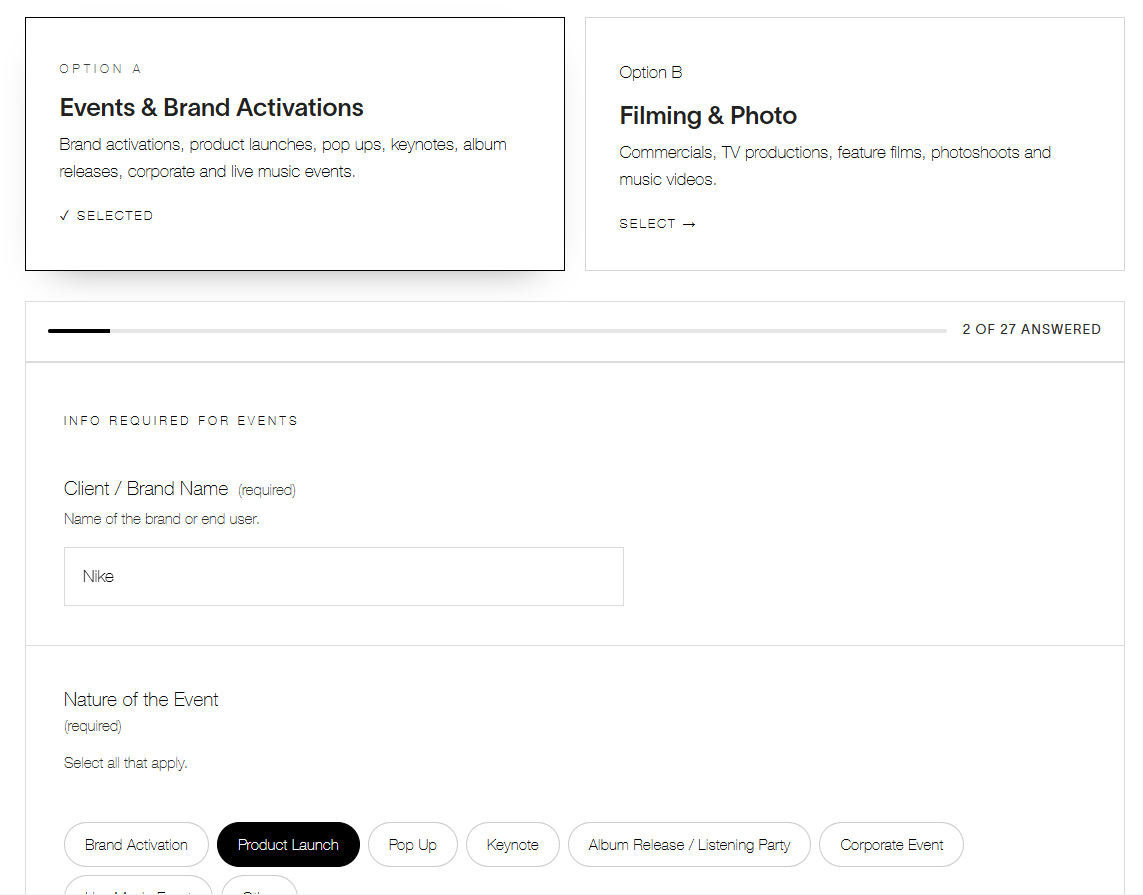
Give long forms a sense of momentum. This lightweight code snippet adds a live progress bar above any Squarespace form — showing visitors exactly how many questions they've answered out of the total, updating in real time as they fill things in.
Features:
Automatically counts every field in your form — no manual setup or hardcoded totals
Works with text fields, dropdowns, textareas, and checkbox groups
Updates instantly as visitors type, select, or check boxes
Smart sticky behavior: the bar only pins to the top of the screen once someone starts answering — so it stays out of the way for first-time visitors and appears right when it's useful
Drop-in install: paste one code block above your form, no plugins or third-party accounts required
Supports multiple forms on the same page
Perfect for long intake forms, event inquiries, applications, or surveys where visitors benefit from knowing how much further they have to go — reducing drop-off and giving your form a more guided, app-like feel.